
This program is used to produce a schedule of when to record and when not to record which is fed to the REF TEK (Refraction Technologies) 125 "Texan" seismic recorders. This schedule is called an event table.
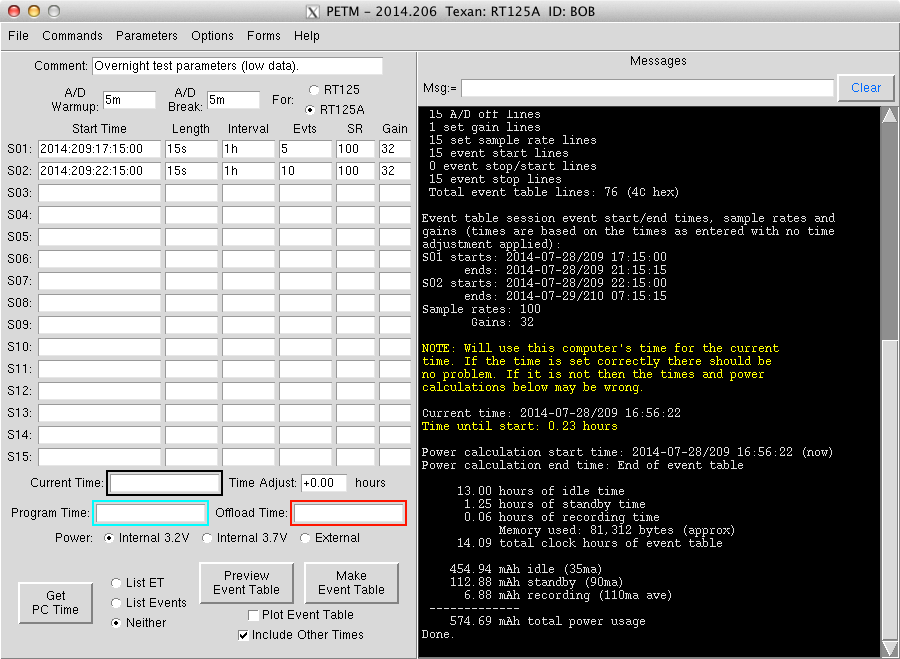
The program has the 'working side' on the left and the messages section
on the right. The program not only produces the schedule of when
the Texans should operate, but it also makes an attempt to calculate
things like memory and battery usage.
The Event Table for the "old" original Texans (RT125) is
slightly different than the one for the later "new" Texans
(RT125A). PETM (Python Event Table Maker) can make event tables for
both models. It also understands that the amount of power required by
the two models is different and it attempts to do the right thing
with those calculations.

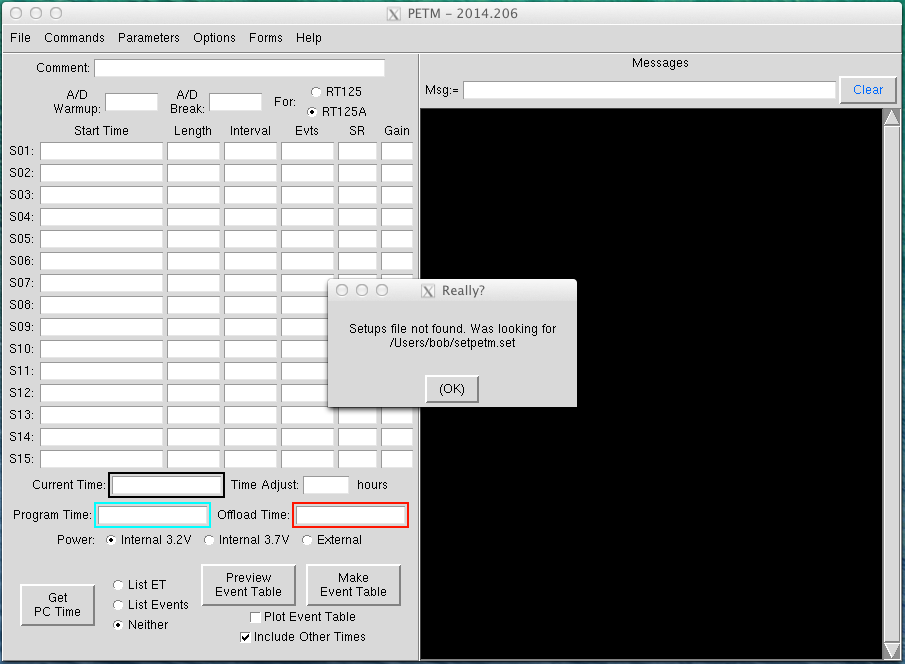
When the program starts it looks for a file where all of the settings
from a previous running are kept. This is usually in the home directory
of the user's account. If this is the first running in an account there
won't be any file and the message above will appear.
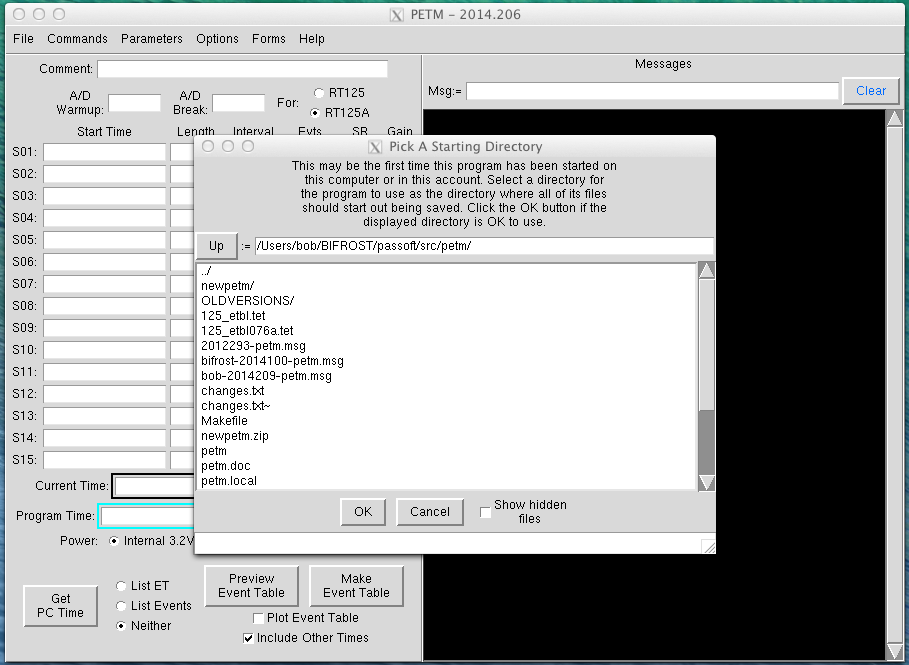
The navigator form below will show up if the setup file cannot be
found. For experiments the folder "RT125A" was usually created on the
Desktop. All output files from this program, and all files produced by
the program POCUS were kept in that folder, so normally that would be
the destination to navigate to. It's just not that way in this example.
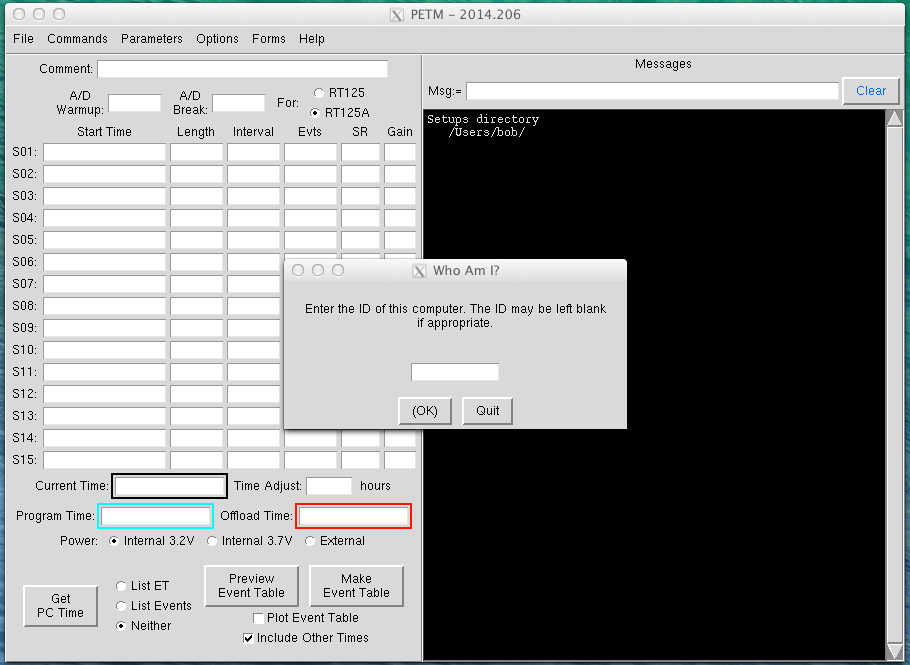
Texan experiments usually had more than one "station" of laptop, equipment to communicate with the Texans, and transcases of Texans. Each laptop had a short designation ID. Files written by PETM would have the ID as part of the file name so it was known which laptop was used to make the event table. Normally, though, the event table is only created once on one computer and then copied to all of the station laptops, so this can be left blank.
When the program is stopped all of the settings are saved to the setups file. While the program is running all of the information displayed to the messages section is saved in the .msg file. When the program is restarted those messages can be reloaded before continuing to make new ones.

Finally, the program is running. Typical 'active source' Texan
experiments went something like in two days the Texans should come on
at midnight, record for 15 minutes, shutdown, record at 01:00 for 15
minutes, repeat until 06:00 (record to 06:15), stay off all day until
midnight, repeat the 15 minutes per hour pattern, and then repeat that
whole thing for three more nights. The S01 to S15 rows represented the
concept of "sessions".
For the example above each night of recording is a session. The Start
Time value would be something like 2014:210:00:00:00. All times in the
program can be local time or UT time, and the dates are the day of
year number (210=July 29th). The times entered for planning is
controlled by the Adjust Time field value. The final event table will
always be in UT time since that is what the whole Texan ecosystem runs
on.
The Length value would be the amount of time to record, 15m for 15
minutes. The Interval would be 60m or 1h. This would be the amount of
time between event starts. Each 15 minute recording period is an
event. The Evt value would be 7, so the recording would be at 00:00,
01:00...06:00. The Sample Rate (SR) and Gain fields would be filled in
with whatever the experiment needed.
The above night of recording would be repeated for the second session
(S02), except the starting time would be 2014:211:00:00:00 -- the next
day. This would repeat for sessions S03, S04 and S05 to complete the
recording for the deployment. All the people setting off the
explosions would have to do is make sure they shot some time during
the first 15 minutes of each hour. Easy peasy.
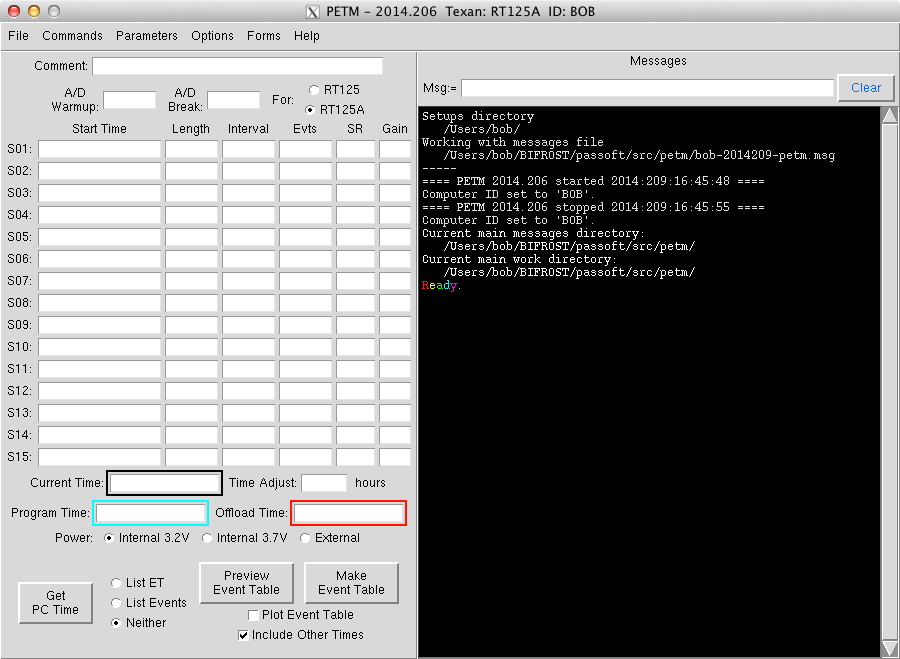
The program has built in help that starts with an overview of how to get things going, and then goes into a bit more detail for all of the fields and buttons and menu items.
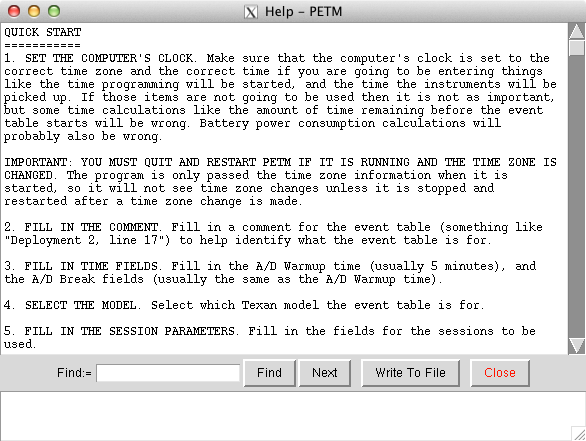
A standard (for my programs) three month calendar may be brought up.
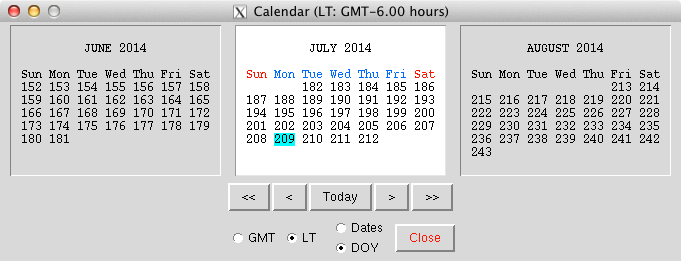
Some helper functions are built in to make repetitive event tables a
little easier to enter. They are explained a little more below.
Several default event table setups are in the program for use when
testing the Texans. These event table generators grab the date/time
from the computer and generate an event table for 'the near future'.

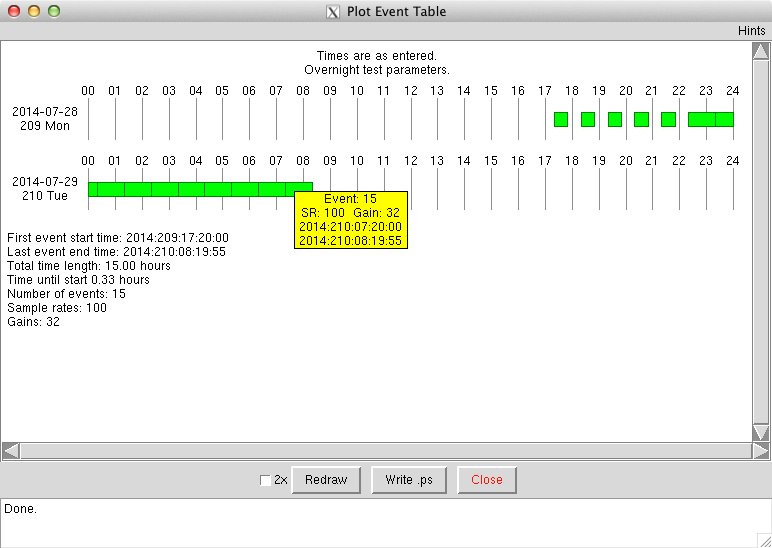
Once the settings have been entered a preview of the event table can be created to see if it makes sense. The event table commands themselves may be shown in the messages section and a summary of the table will be shown. Errors, such as two different sessions trying to create an event at the same time, will be displayed.
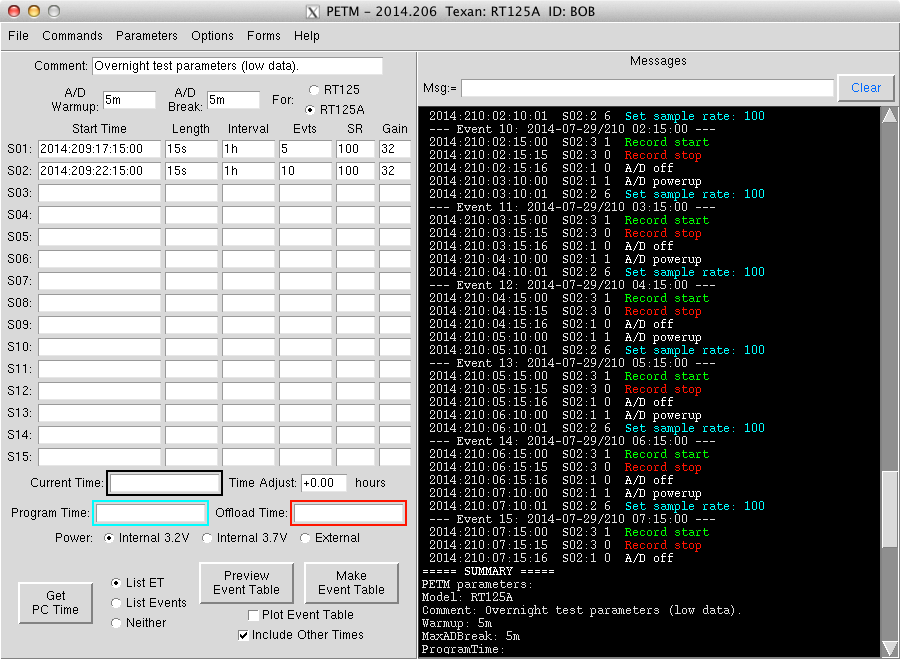
Additionally the event table can be plotted to make it easier to visualize.
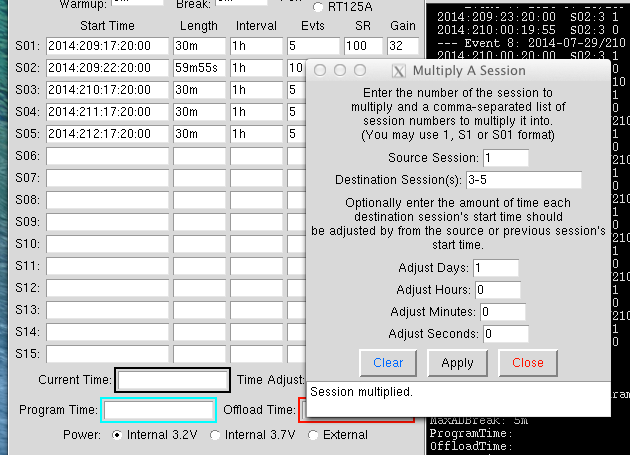
The earlier example of five nights of recording could have been done by just entering the settings for the first night, and then bringing up the Multiply A Session form. This can be used to duplicate session S01 into S02 thru S05 while adding 1 day to the date of each session making things even easy peasier.

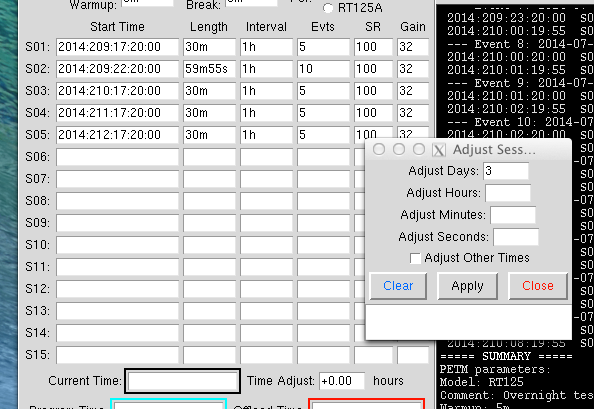
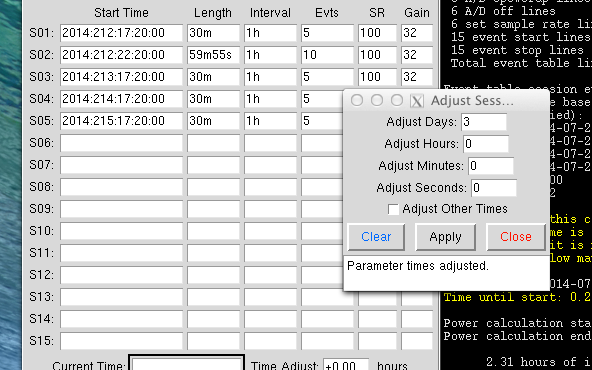
Sometimes experiments get delayed. If everything is ready to go, but then has to be delayed for three days the Adjust Session Start Times function can be used to redo the event table with minimal typing.
Voila! Three days to do tourist stuff while waiting.
The Current, Program and Offload times may be entered if known/can be
estimated. They can be added to the plot of the event table. If the
Programming and Offload times are included they will be used as part
of the battery power calculations.
Once a Texan is programmed it starts using a small amount of power to
keep its clock running, and after the event table finishes it will
still use a little power to keep the oscillator running and keep time
until it is recovered and has its time set again using the POCUS
program just before offloading data. If the lead and recover times are
significant they may be included to help determine if the batteries
may die before recovery/offloading.

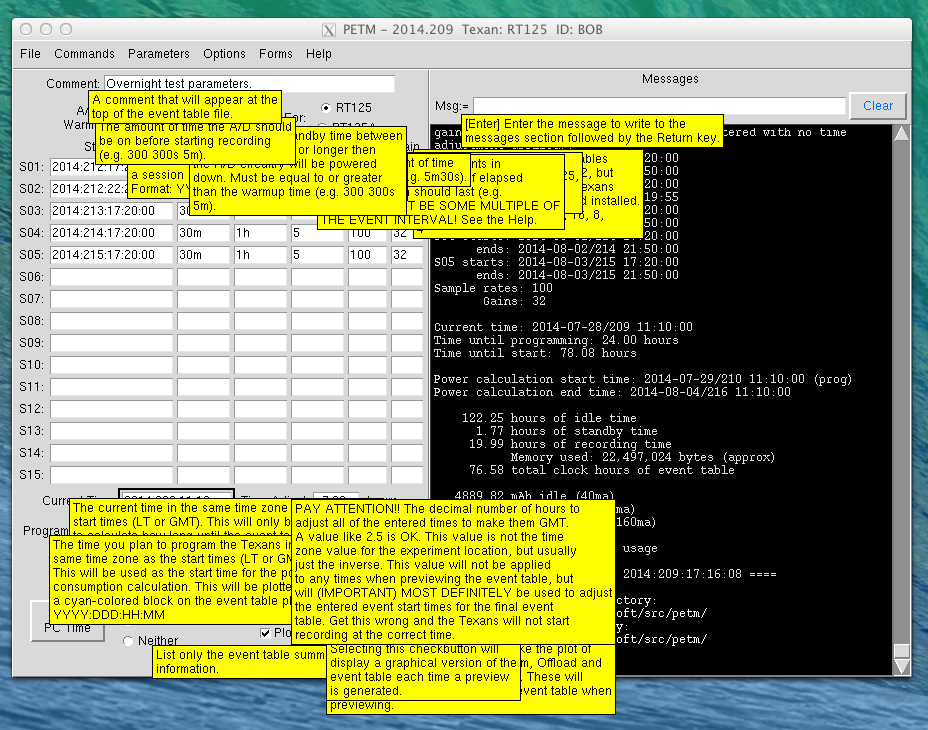
There are quite a few tooltips to get a little help. They are brought up by hovering the mouse pointer over GUI items.
2023-03-16